Native apps for LibreNMS servers
DashyNMS is a Windows desktop client for LibreNMS. Sign in with an API token, keep an eye on your alerts from the notification area, and get Windows notifications when something changes — with per-severity control over how insistent they are.
What it does
A first slice of a broader LibreNMS desktop client, built so devices, ports and services can be added without rework.
Secure sign-in
Address plus API token, validated against your LibreNMS instance. The token is DPAPI-encrypted for your Windows account and can be turned off entirely.
Live dashboard
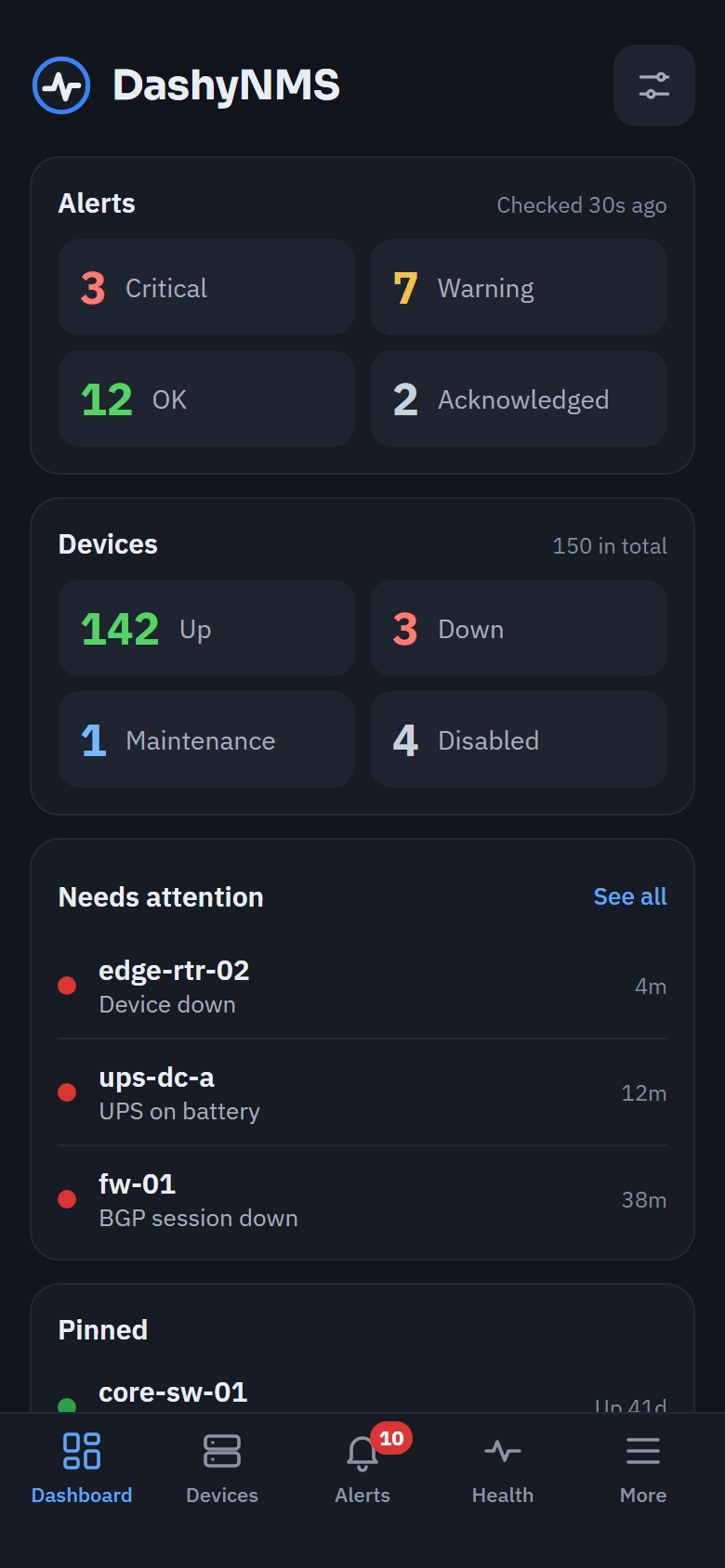
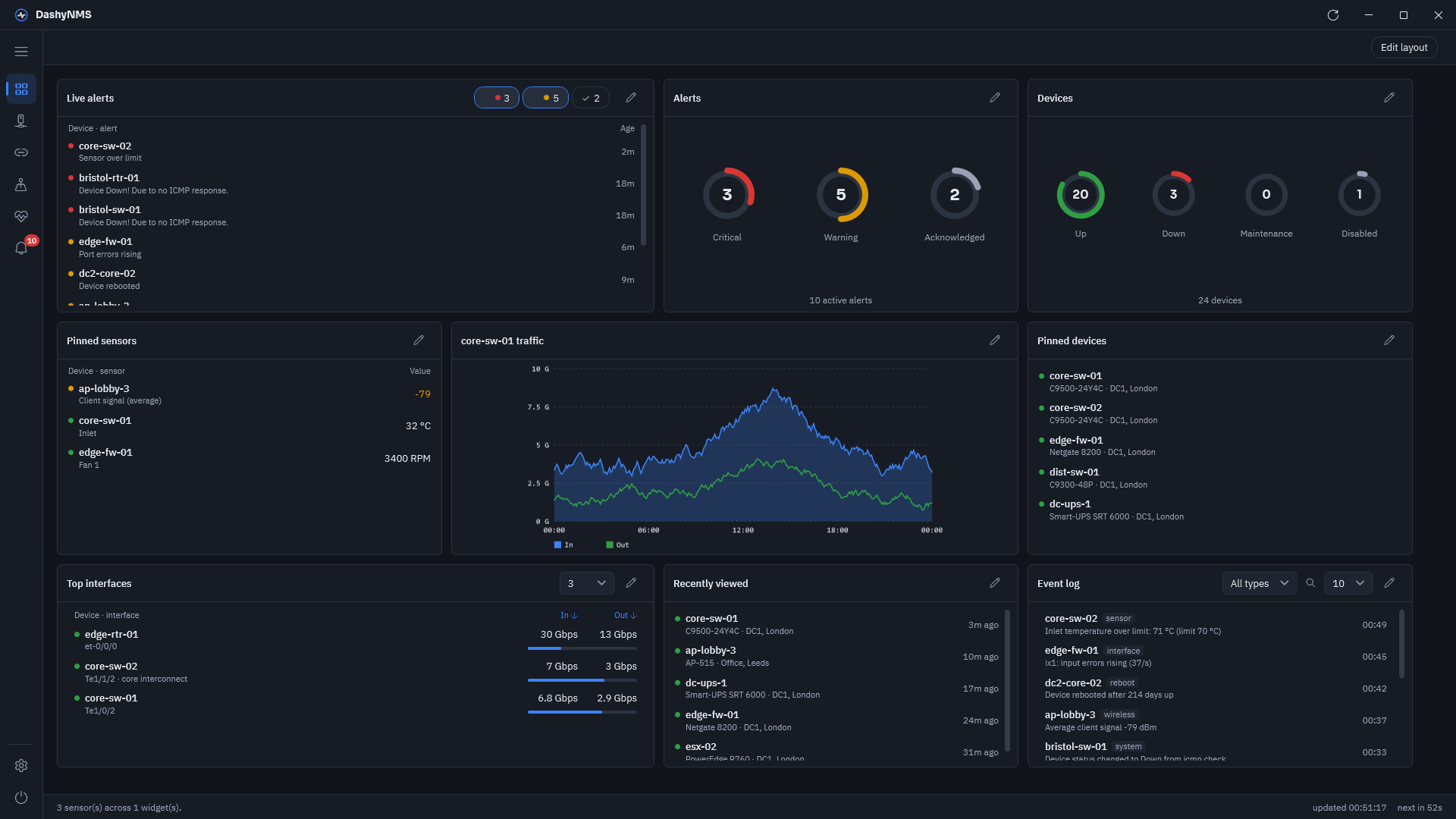
Drag-and-resize widgets on a snapped grid: sensors, a filtered alert feed, an alerts gauge, and device status at a glance.
Device health
dBm, signal, temperature and fan speed across every device, with each sensor's own LibreNMS limits taking priority over app defaults.
Full device view
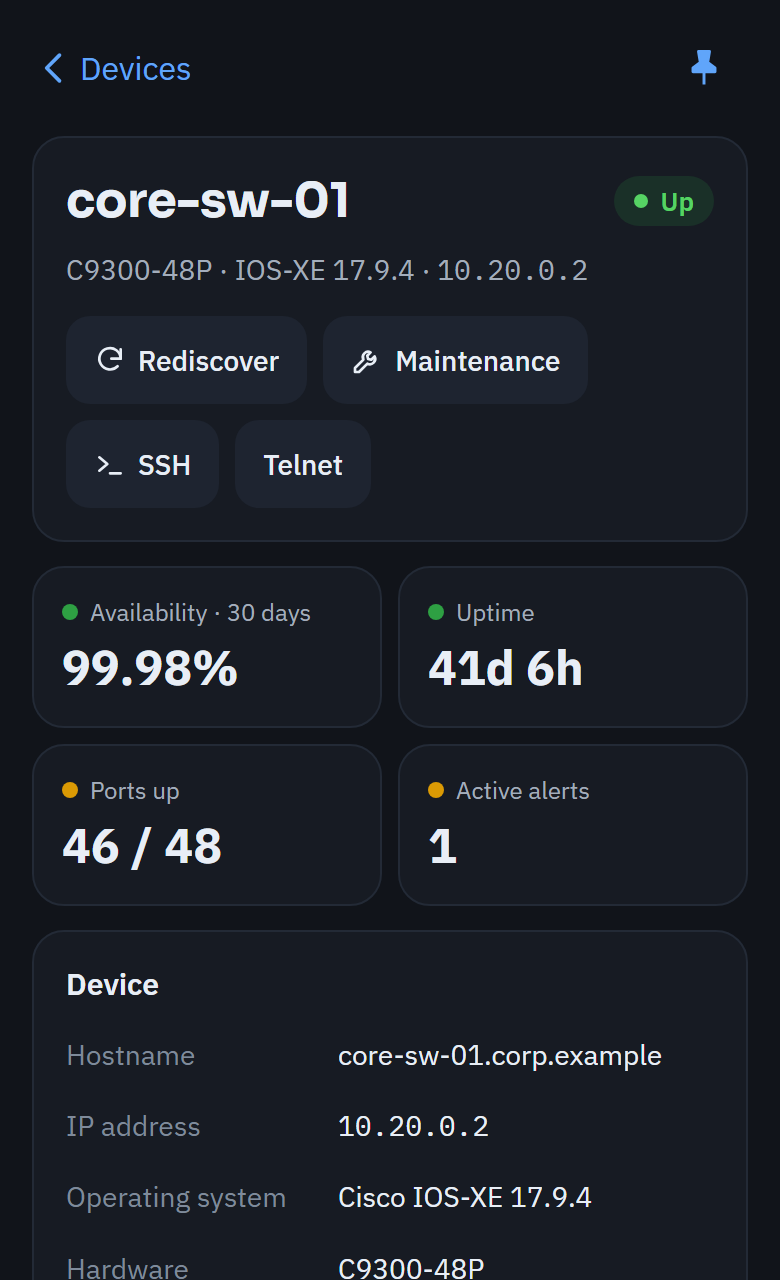
Overview, sensors, ports with LLDP/CDP neighbours, resource usage, and alerts & logs — all in one window, no need to jump to the browser.
Alerts, acknowledged from the app
Filter by severity and state, search across host and rule, and acknowledge or reactivate alerts through the real LibreNMS endpoints.
Notifications that fit how you work
Runs quietly in the tray with one shared poller. Per-severity toast stickiness, quiet hours and burst collapsing keep it usable, not noisy.
Requirements
DashyNMS talks directly to your own LibreNMS instance — nothing is hosted or proxied.
- Windows 10, build 17763 (version 1809) or later
- A LibreNMS instance with the API enabled, and a token from Settings → API → API Access